How to Drive for Uber, Lyft and Other Gig Apps at the Same Time
For many gig drivers, running only one app at a time leaves too much money on the table. You may be sitting in a parking lot waiting for an Uber request while Lyft, DoorDash, Instacart, or another platform could be sending better offers nearby.
That is why multi-apping has become a normal part of gig work. Drivers use multiple apps at the same time to reduce downtime, compare offers, and choose the trips that make the most sense.
The challenge is not whether you can multi-app. The real challenge is doing it safely, staying organized, and making sure you are accepting profitable offers instead of just keeping yourself busy.
That is where Maxymo can help. Maxymo is built for gig workers who want more control over their shifts, better offer filtering, and easier multi-app management without constantly switching between apps while driving.
In This Guide
- Can you drive for multiple apps at the same time?
- Why drivers use more than one app
- How to set up your phone for multi-apping
- The manual method
- The smarter method with Maxymo
- How multi-apping can increase earnings
- When multi-apping may not be worth it
- Tips for your first multi-app shift
- Frequently asked questions
Yes, You Can Drive for Multiple Gig Apps at the Same Time
Most gig drivers are independent contractors, which means they are not locked into one platform. Many drivers run Uber and Lyft together, or combine rideshare with delivery apps like DoorDash, Uber Eats, Instacart, Grubhub, Spark, and others.
The important part is how you manage it.
Multi-apping does not mean accepting two active jobs at once. It means keeping your options open until you choose the best offer. Once you accept a ride, delivery, or order, you should focus on that job and avoid taking anything that could make you late or hurt your ratings.
The biggest risks are not from multi-apping itself. The risks come from poor execution, such as:
- Accepting overlapping jobs
- Showing up late
- Canceling too often
- Missing important details
- Getting distracted while driving
- Taking low-paying offers because you reacted too fast
A good multi-app strategy helps you avoid those problems.
Why Gig Drivers Multi-App
The main reason drivers use multiple apps is simple: less waiting.
When one app is slow, another app may be busy. When Uber is not sending good rides, Lyft might be. When rideshare slows down, delivery may still be active. When DoorDash is quiet, Instacart or Spark might have offers available.
Multi-apping gives drivers more chances to stay active and compare offers instead of depending on one platform.
It can also help you:
- Avoid sitting idle between trips
- Compare pay across apps
- Choose shorter pickups
- Skip low-paying offers
- Work around slow periods
- Stack earnings opportunities across platforms
- Track what apps are actually worth your time
The goal is not to accept more offers. The goal is to accept better offers.
How to Set Up Your Phone for Multi-Apping
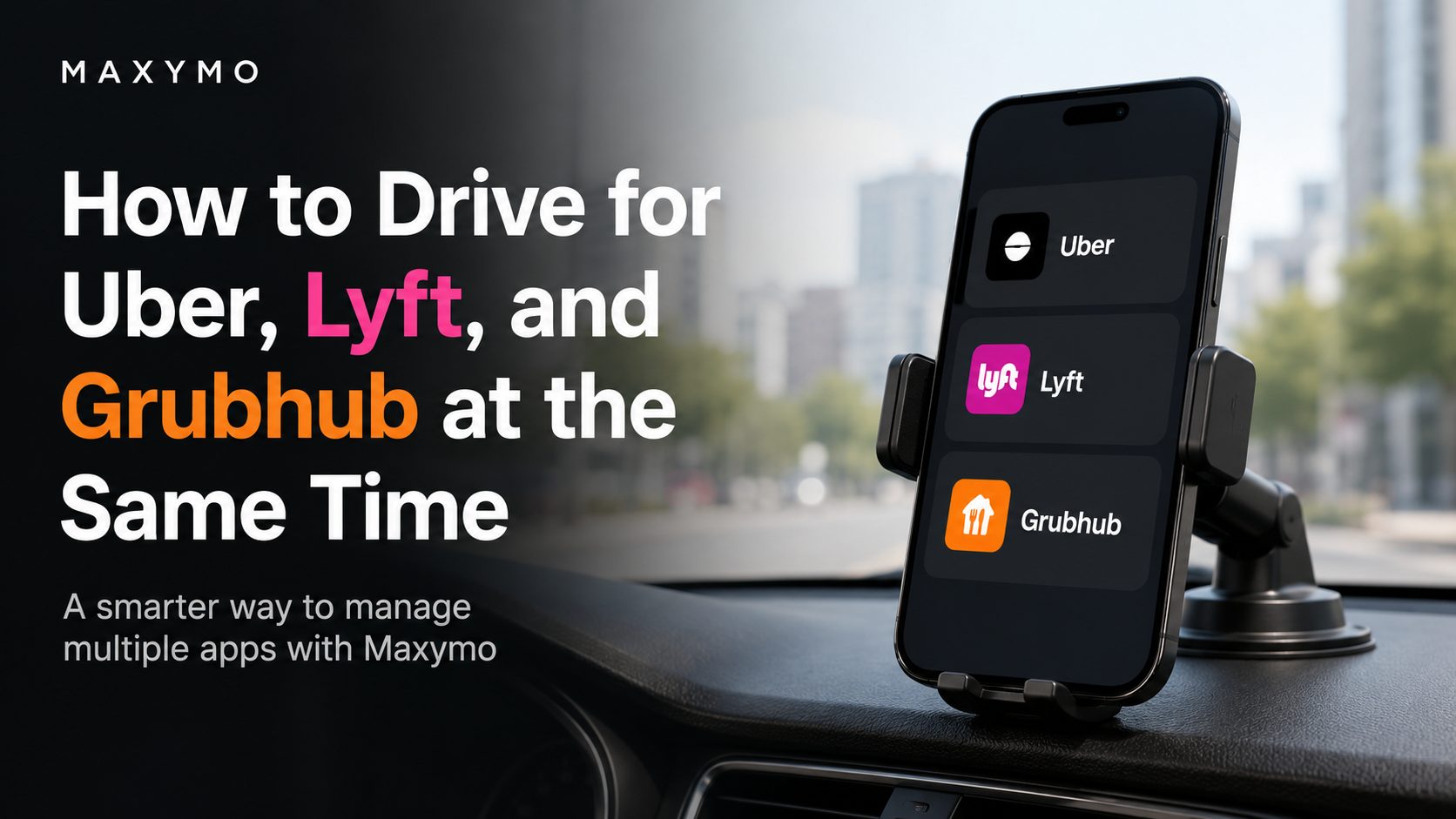
There are a few common ways drivers manage Uber, Lyft, and Grubhub together.
| Setup | Attention Needed | Best For |
|---|---|---|
| One phone, manual switching | High | Occasional drivers |
| One phone with Maxymo | Lower | Drivers who want automation and better offer control |
| Two phones | Medium | Drivers who prefer separating rideshare and delivery apps |
The simplest setup is one phone with Uber, Lyft, and Grubhub installed. You can manually switch between apps, but that gets difficult fast. Every incoming offer requires you to read the screen, calculate whether it is worth it, compare it to other apps, and decide quickly.
A two-phone setup can work, but it also gives you two screens to manage. That can be distracting, especially during busy shifts.
For many drivers, the better setup is one phone with a tool like Maxymo to help manage offers, app switching, tracking, and filtering.
The Manual Method
Manual multi-apping works, but it requires discipline.
A basic manual process looks like this:
- Open Uber, Lyft, and Grubhub.
- Go online on the apps you want to use.
- Wait for the first offer.
- Review the payout, distance, pickup time, and destination.
- Accept the best offer.
- Pause or go offline on the other apps.
- Complete the ride or delivery.
- Go back online when you are ready for the next offer.
The most important rule is this:
One active job at a time.
If you accept an Uber ride, do not also accept a Grubhub order that will make you late. If you accept a Lyft ride, do not take another offer that delays the passenger. If you accept a Grubhub delivery, do not accept a ride that pulls you away from the restaurant or customer.
Multi-apping should help your earnings, not damage your ratings.
The downside of the manual method is that it takes a lot of attention. You have to read every offer quickly, do the math in your head, and switch apps at the right time.
That can become stressful, especially during a busy shift.
The Smarter Method: Multi-Apping With Maxymo
Maxymo is designed to help gig drivers manage their work more efficiently. Instead of manually reacting to every offer, Maxymo helps you stay organized and make better decisions based on your own rules.
For drivers using Uber, Lyft, and Grubhub, Maxymo can help with features such as:
- Multi-app management
- Auto accept and auto decline settings
- Offer filtering
- App switching
- Mileage tracking
- Earnings tracking
- Expense tracking
- Vehicle tracking
- Shift tracking
- Quick launching supported gig apps
The big advantage is control.
You decide what kind of offers are worth your time. Maxymo helps you apply those rules more consistently so you are not guessing while driving.
For example, instead of accepting a ride or delivery just because the payout looks good, you can think in terms of:
- Dollars per mile
- Dollars per hour
- Pickup distance
- Total trip distance
- Time commitment
- Platform demand
- Your current shift goals
A $20 offer is not always better than a $10 offer. If the $20 offer takes 55 minutes and the $10 offer takes 15 minutes, the smaller offer may be the better choice. Maxymo helps drivers focus on the numbers that actually matter.
Manual Multi-Apping vs. Maxymo
| Feature | Manual Multi-Apping | Multi-Apping With Maxymo |
|---|---|---|
| Switching between Uber, Lyft, and Grubhub | You do it manually | Maxymo helps streamline app switching |
| Offer decisions | You calculate quickly | You can use preset rules and filters |
| Mileage tracking | Separate tracker needed | Maxymo includes mileage tracking |
| Earnings tracking | Manual or platform-by-platform | Maxymo helps track earnings |
| Expense tracking | Separate app or spreadsheet | Maxymo includes expense tracking |
| Driver focus | More screen interaction | Less guesswork during the shift |
Maxymo is especially useful for drivers who work across rideshare and delivery because it helps bring everything into a more organized workflow.
How Multi-Apping Can Increase Earnings
Multi-apping can improve earnings in three major ways.
1. Less Idle Time
Idle time is one of the biggest hidden costs in gig work.
If Uber is slow, Lyft may have rides available. If both rideshare apps are slow, Grubhub may help fill the gap with delivery offers.
Even a few extra paid minutes per hour can add up across a full week.
2. Better Offer Selection
When you only use one app, your choice is simple: take the offer or decline it.
When you use Uber, Lyft, and Grubhub together, you can compare opportunities. That gives you more control over the type of work you accept.
You can prioritize:
- Short pickups
- Higher pay per mile
- Better pay per hour
- Easier drop-offs
- Areas you prefer
- Trips that keep you near busy zones
This is where many drivers see the biggest improvement. They are not just working more. They are choosing better work.
3. Better Shift Strategy
Different apps are busy at different times.
Uber and Lyft may perform better during commute hours, airport demand, events, weekends, and late nights. Grubhub may be more useful during lunch and dinner rushes.
A driver who understands those patterns can build a smarter shift instead of waiting on one app all day.
With Maxymo, drivers can better manage their shift across multiple apps and track which platforms are actually producing results.
When Multi-Apping May Not Be Worth It
Multi-apping is helpful, but it is not always the right move.
You may want to stick with one app for now if:
- You are brand new to gig work
- You are still learning your market
- One app already keeps you busy all shift
- You find yourself getting distracted
- Your ratings are dropping
- You are canceling too many offers
- You are missing pickups or deliveries
New drivers should usually learn one platform first. Once you understand your market, traffic patterns, busy zones, and app behavior, adding another platform becomes much easier.
Multi-apping should make your shift more profitable, not more chaotic.
Tips for Your First Multi-App Shift
If you are just getting started with Uber, Lyft, and Grubhub, keep it simple.
Start with two apps before running all three. For example, try Uber and Lyft together first. Once you are comfortable, add Grubhub during slower rideshare periods or meal rushes.
A good starting strategy is:
- Decide your minimum pay per mile
- Decide your minimum pay per hour
- Avoid long pickups unless the payout is worth it
- Pause other apps once you accept a job
- Track your mileage from the start of your shift
- Track earnings by app
- Review your results after the shift
Do not judge your strategy from one order or one ride. Track a full week if you can. Some apps perform better on certain days or during certain hours.
Maxymo can help by giving you a better system for managing your shift, tracking your numbers, and staying focused on profitable work.
Frequently Asked Questions
Can you get deactivated for using Uber, Lyft, and Grubhub?
Using multiple apps is common among independent gig workers. The bigger concern is service quality. If multi-apping causes late arrivals, excessive cancellations, poor ratings, or incomplete deliveries, that can create problems with the platforms you use.
Do I need two phones to multi-app?
No. Many drivers use one phone. A second phone can help some drivers separate rideshare and delivery apps, but it also creates more to manage. For most drivers, one phone with a good workflow is enough.
Can I accept an Uber ride and a Grubhub order at the same time?
You should not accept overlapping jobs if they interfere with each other. The safest rule is one active job at a time. Once you accept an offer, focus on completing it properly.
Is Uber better than Lyft?
It depends on your market, time of day, bonuses, and driver preferences. Some drivers earn more with Uber. Others do better with Lyft. Many drivers use both so they can compare real results instead of guessing.
Is Grubhub better than rideshare?
It depends on the time of day and your market. Grubhub may be useful during lunch and dinner rushes, while Uber and Lyft may perform better during commute times, events, weekends, and late nights.
How does Maxymo help gig drivers?
Maxymo helps gig workers manage multiple apps, track mileage, track earnings, monitor expenses, manage vehicles, and use automation features such as app switching and offer rules where supported. It is designed to help drivers make better decisions and stay organized during their shifts.
Final Thoughts
Multi-apping is no longer just a trick used by experienced drivers. It has become a normal strategy for gig workers who want to reduce downtime and choose better offers.
For Uber, Lyft, and Grubhub drivers, the key is having a system. Without one, multi-apping can turn into constant app switching, rushed decisions, missed details, and unnecessary stress.
Maxymo helps drivers bring more structure to their shifts. With tools for automation, app switching, earnings tracking, mileage tracking, expense tracking, and vehicle management, Maxymo gives gig workers a smarter way to manage multiple platforms.
If you drive for Uber, Lyft, and Grubhub, Maxymo can help you stay organized, reduce wasted time, and focus on the offers that are actually worth taking.
More than 50,000 drivers have downloaded Maxymo to run this setup hands-free. You can download Maxymo in just a few minutes.



Recent Comments